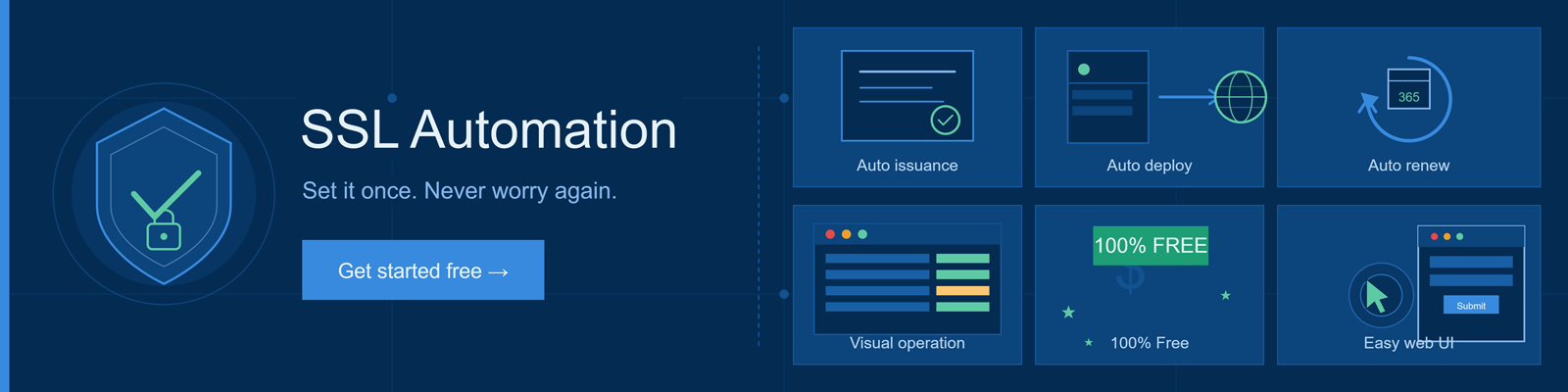
SSL Automation
Zero-touch SSL lifecycle management

Stop chasing
certificate expiry
dates.

SSL certificates now expire in as little as 47 days. AutoSSL handles issuance, deployment, and renewal automatically — no terminal, no expertise required.

Certificate status
example.com
Issued 2 days ago ● Active
Certificate status
shop.yourdomain.io
Expires in 11 days ● Renewing…
Certificate status
api.yourdomain.com
Expired 3 days ago ● Critical
⚠ Without automation… One missed renewal = downtime, browser warnings, and lost trust. AutoSSL eliminates this risk entirely.

47 days SSL lifespan comes soon
0 manual steps after setup
$0 free for all registered partners
< 5 min to configure your first domain
What OnlineNIC AutoSSL Manager does

Everything handled. Nothing missed.

A complete SSL lifecycle toolchain for anyone who runs a website — from first-timers to infrastructure teams.

01

Auto Issuance

CSR generation and domain control validation happen automatically. Request a certificate and AutoSSL takes care of the rest — no configuration files, no copy-pasting keys.

02

Auto Deployment

Push certificates directly to web panels, servers, CDN edges, WAF appliances, and cloud platforms with a single action. Works with the infrastructure you already use.

03
365

Auto Renewal

AutoSSL monitors expiry dates and triggers re-issuance and re-deployment before any certificate lapses. Your sites stay protected without any manual scheduling or reminders.

04

Visual Operation

A clean dashboard shows every certificate's status at a glance — expiry dates, deployment targets, renewal history. No command line. No config files. Beginners welcome.

05
$ FREE

100% Free

No subscription tiers, no usage limits, no hidden charges. AutoSSL is included at no cost for all registered OnlineNIC partners. Upgrade your service offering without touching your budget.

06

Easy Web UI

Point, click, done. The entire workflow — from linking a certificate order to triggering a deployment task — is designed for people who have never managed SSL before.

Setup in minutes

Three steps, then it runs itself.

Configure once and AutoSSL takes over permanently — no recurring manual work.

1

Order your SSL

Log in to your OnlineNIC account and place an SSL certificate order for your domain. Takes under two minutes.

2

Connect AutoSSL

Create a sub-account inside AutoSSL Manager and link it to your certificate order. One-time setup.

3

Set your target

Add the server, panel, or CDN you want to deploy to. Trigger the first task — AutoSSL handles every renewal from here.

100% FREE

Available to all OnlineNIC partners at no cost

No plan upgrades. No per-certificate fees. Full access to every AutoSSL feature, forever.

Activate AutoSSL →
Ready to automate?

Free your team from SSL busywork.

Join partners who've eliminated certificate expiry incidents entirely. Setup takes only a few minutes.

Join Our Newsletter & Marketing Communication

We'll send you news and offers.

Company Info
About Us
Partners
News Center
Payment Info
Testimonials
Legal Policies
Domain Reseller
Domains
Business Email
Cpanel Demo
SSL certificates
Secure Site Pro
Domain Price
Escrow Service
RapidSSL
Anti-Malware Scan
Support
Value Added Services
Special Offer
Web Hosting
QuickSSL Premium
Symantec SSL
FAQ
Domain Whois
Email Services
Hosting Services
True BusinessID
Secure Site
Open/Track a Ticket
Domain
Email Plans
Reseller Hosting
True BusinessID wildcard
True BusinessID EV
Contact Us


1999-2026 OnlineNIC is an ICANN-accredited registrar. Please read our Privacy Policy, Service terms , and Dispute Policy